Fusion Trucking
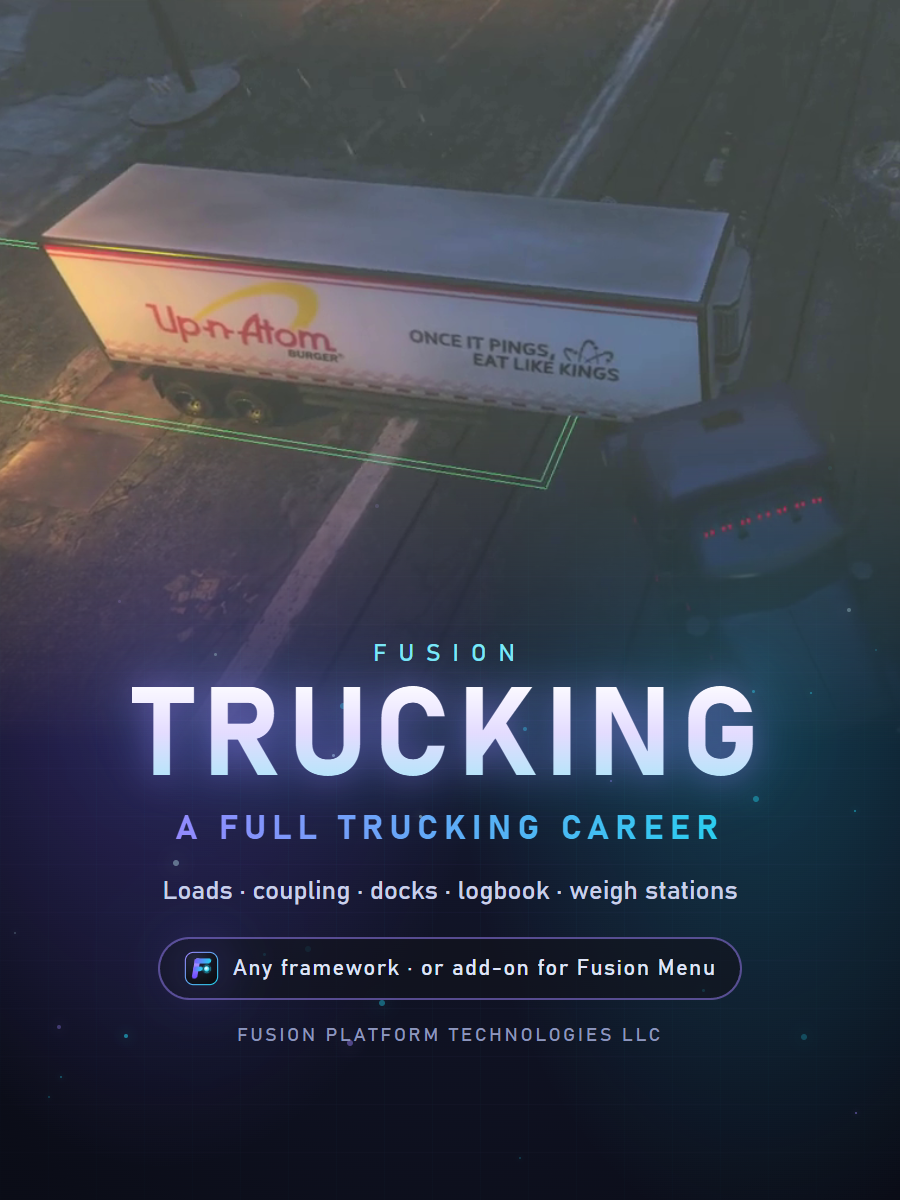
Fusion Trucking
Fusion Trucking: a full trucking career, from the load board to the dock
Pick a load, get the paperwork from the shipper, couple the trailer by hand, haul it across the map without wrecking the cargo, keep your logbook legal, cross the weigh stations and back into the receiver's dock. Drive a fleet truck as a company driver, buy your own as an owner-operator, or found a trucking company and hire other players.
Runs on any framework (Qbox, QB-Core, ESX, ox_core, ND_Core or Standalone), or as an add-on for Fusion Menu, where its settings are in F10 > Settings > Trucking. Everything is set up in game: no config file to edit.
Watch it in action: youtu.be/O7wo9AuvO7U
Launch price: $25.79 $30.79
Launch price for the first two weeks.
Loads and paperwork
- A load board on the trucking tablet (F7): every load shows its pay, cargo, trailer type, weight, route, distance and time limit
- Tags for URGENT, HAZMAT, REEFER, FRAGILE, BACK IN, CURBSIDE and DROP & HOOK loads
- Talk to the shipper's dispatcher for a real bill of lading with its BOL number, seal number, pieces and weight, and the delivery clock starts
- Optional: the bill of lading and the logbook as inventory items, refused or fined when they're missing
Coupling by hand
- Back the fifth wheel under the kingpin and lock it from the cab; trailers never snap on by themselves
- Walk to the front of the trailer and connect the air lines and electrical; until then its brakes stay locked
- Crank the landing gear up before you drive off; drive with it down and it drags and damages the cargo
- Uncouple the same way, or bring your own empty trailer and have the shipper load it at the dock
On the road
- A trucking HUD with the miles to go, the time left, cargo damage and your logbook clocks
- Hard hits, a damaged trailer, a rollover or a jackknife damage the cargo, and the receiver refuses a wrecked load
- Refrigerated cargo warms up when you leave the engine off
- Box trucks for city deliveries that carry the cargo themselves
Logbook and weigh stations
- An hours-of-service logbook: driving and on-duty limits, breaks, and the sleeper berth to reset the clocks, on a faster clock
- ELD (logged by itself) or a paper logbook, where an inspector can catch a log that doesn't match what the truck did
- Weigh stations that open and close: stop on the scale, get pulled in, and the inspector checks your bill of lading and logbook
- Skip a break or run an open station and you're fined, can be put out of service, and police can be alerted
Docks and delivery
- Every dock has a drop zone painted on the ground that turns green once the trailer is inside the lines; the HUD shows how far you are from the door
- Back into a dock door with a backup camera, or pull up curbside and the receiver carries the boxes in
- Live unload, or drop and hook: lower the landing gear, disconnect and leave the trailer
- Sign the bill of lading on the signature pad and get paid on the spot, line by line: load pay, on-time bonus or late penalty, cargo damage, running costs
Your career
- Rent a fleet truck for a deposit, or buy your own and drive as an owner-operator
- Every delivery earns experience; higher levels unlock hazmat and heavier cargo
- Found a trucking company: hire drivers, make managers, set the drivers' share, buy company trucks and see every delivery in the ledger
For server owners
- Six starter depots placed in game and ready to use, from the port to the Paleto sawmill
- Layout tools in game: show every depot, dispatcher, truck spawn, trailer spot, dock and weigh station on the map, and move any of them with Here or Place, right where you stand
- Your own depots, docks, cargo, pay rates and weigh stations; add any truck or trailer, add-on models too
- Updates never touch your layout, and you can export it to another server
- Admin tools: open and close weigh stations, post new loads, help a player with their load or logbook
- Choose who may drive: a permission, or only certain jobs
- Every key is a FiveM key binding each player can change
- Server events and hooks for dispatch, money and key scripts
- Demo mode for staff: a guided tour of every feature with showcase cameras, for training or for showing it off
Good to know
- Needs OneSync (on by default with txAdmin). Uses oxmysql when it's running, otherwise no database is needed.
- Step-by-step install guides are included for Fusion Menu servers and for every other server
- Protected with the Cfx.re Asset Escrow; the file for your own framework adapter and hooks stays open for you to edit. Delivered through your Cfx.re keymaster.
- Auto updates: includes its own auto updater for servers that don't use Fusion Menu. If you use Fusion Menu, the auto updater is built into Fusion Menu, so it keeps all your Fusion resources automatically updated to the newest version.
Policies
No refunds: this is a digital product and all sales are final. Support is through Discord tickets only: discord.gg/kVRqwDPsnJ.